Photos
Handed to the TV up front, so the television holds the pictures, not your phone. Lock it, pocket it, and they keep turning.
Your photos keep playing on the TV after you lock your phone.


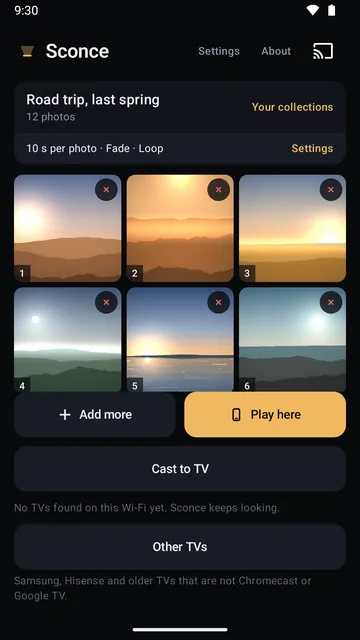
Cast photos and videos from your phone to a Chromecast or Google TV, over your own Wi-Fi. Then sit back.

The room and the photos are illustrations; the phone screen is the real app.
Gather · style · watch
Pick the pictures, set the pace, and let the television take it from there.
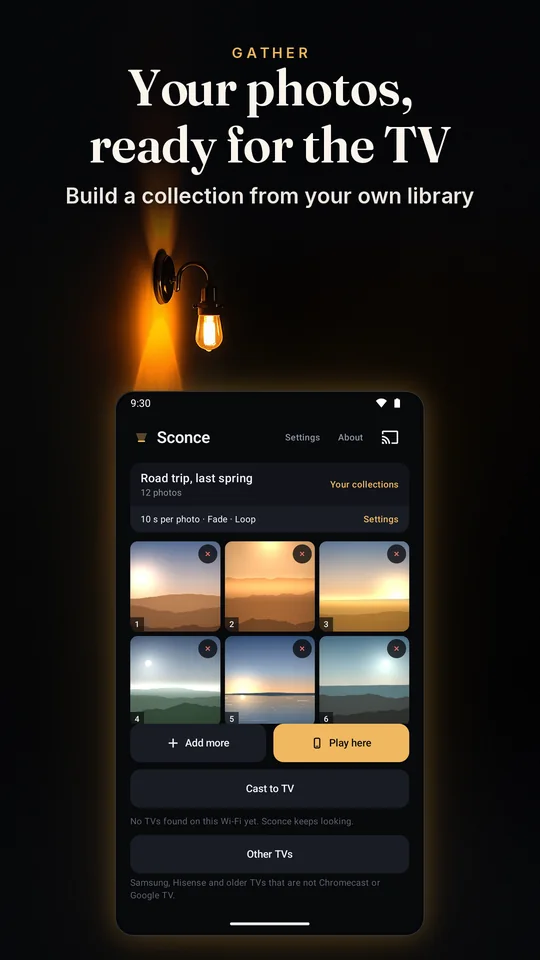
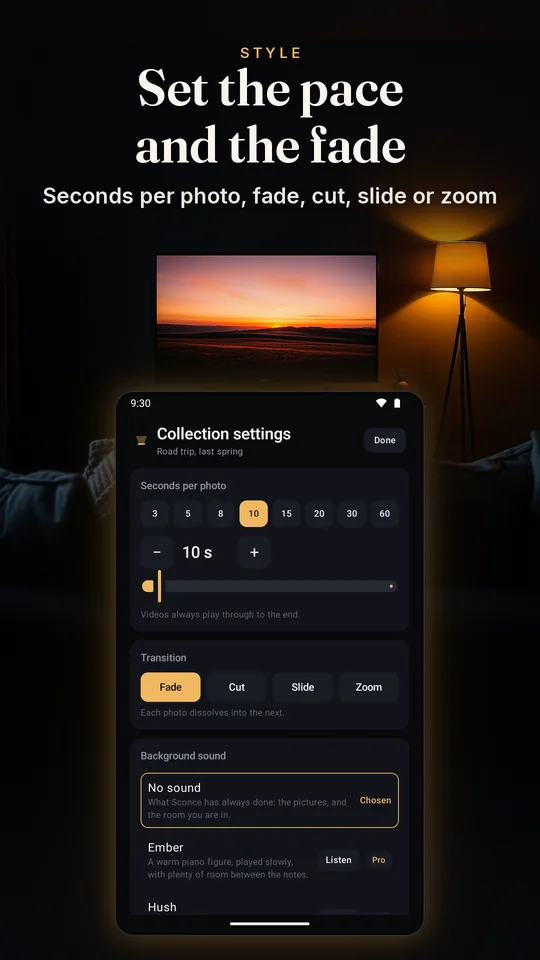
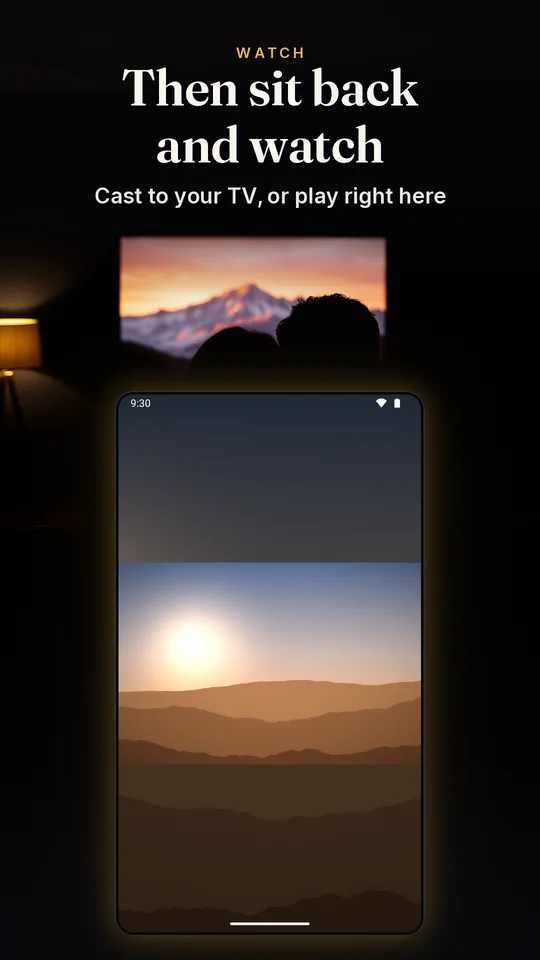
Backgrounds are illustrations; the phone screens are the real app.
How it works
An app that pretends otherwise is setting you up for a black screen. Sconce says which is which the first time you cast.
Handed to the TV up front, so the television holds the pictures, not your phone. Lock it, pocket it, and they keep turning.
Your photos keep playing on the TV after you lock your phone.
Far too big to hand over, so a video streams from the phone while it plays. The phone has to stay awake, and on the Wi-Fi, until it ends.
Videos stream from this phone, so keep the app open while one plays.
Put both in one collection and Sconce handles the join: the photos run themselves, and when a video comes up it takes over the screen and hands back afterwards.
On the wall
A portrait photo on a wide TV is the normal case, so Sconce fits the whole picture and nothing is cropped by default. The look is what fills the space around it. Try them here.

All four transitions are free.
A simulation of Sconce's TV screen with illustrated photos. The looks and the transitions are the app's own.
Photos are turned the right way up before they are sent, so a shot taken sideways arrives the way you took it.
A background sound under a collection: one of five that come with the app, or an audio file of your own, set per collection. Part of Sconce Pro.
Press stop and the TV holds a quiet Sconce page, then hands itself back a few minutes later. Sconce Pro can make it the name on its own, or a dark screen.
In your hand
Play, pause, back and next from the phone, and pause or stop from your lock screen.
The same collection on the phone or tablet in front of you, with the same timings, transitions and sound.
Sconce can convert it on the phone and keeps the copy, so it is only done once. Sconce Pro converts a whole collection in one go.
How many of the photos the TV is holding, whether it is safe to lock the phone yet, and what to try if the TV can't reach it.
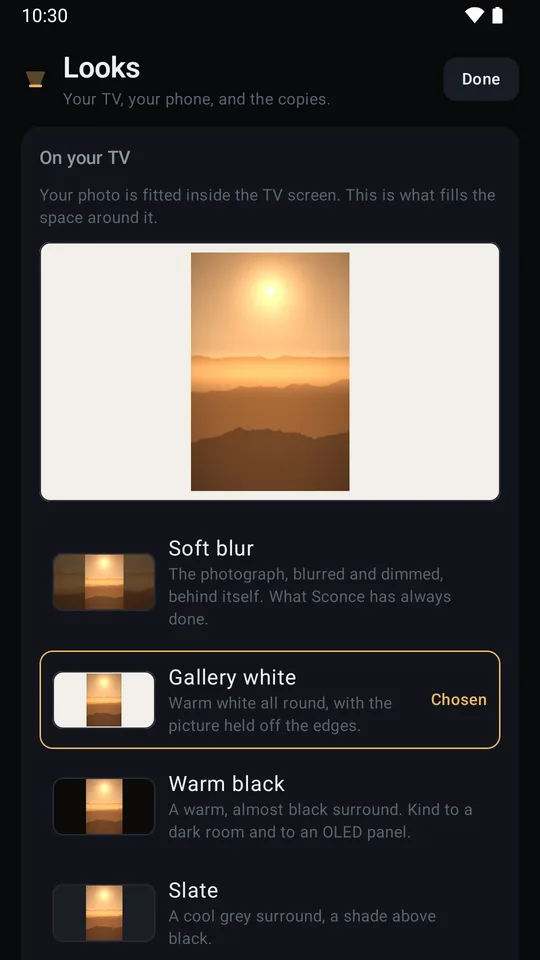
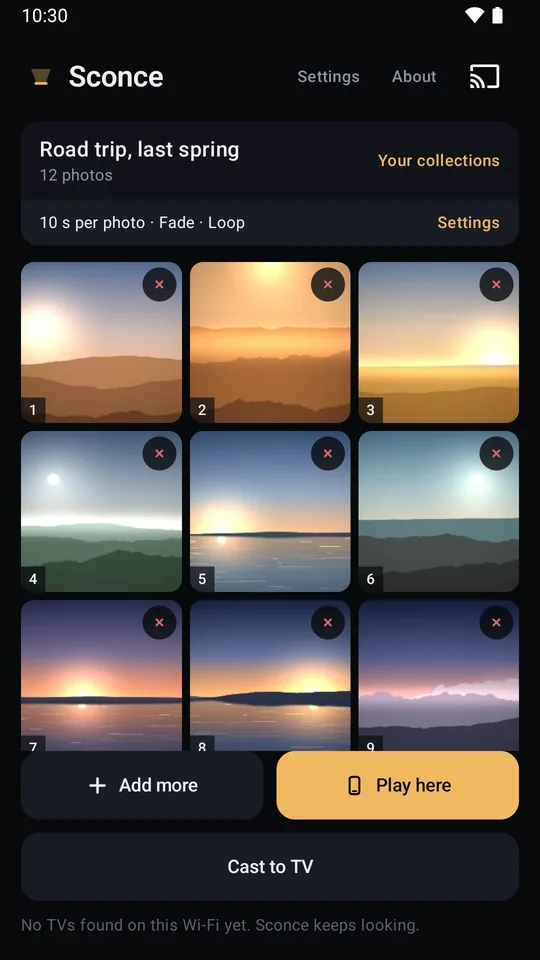
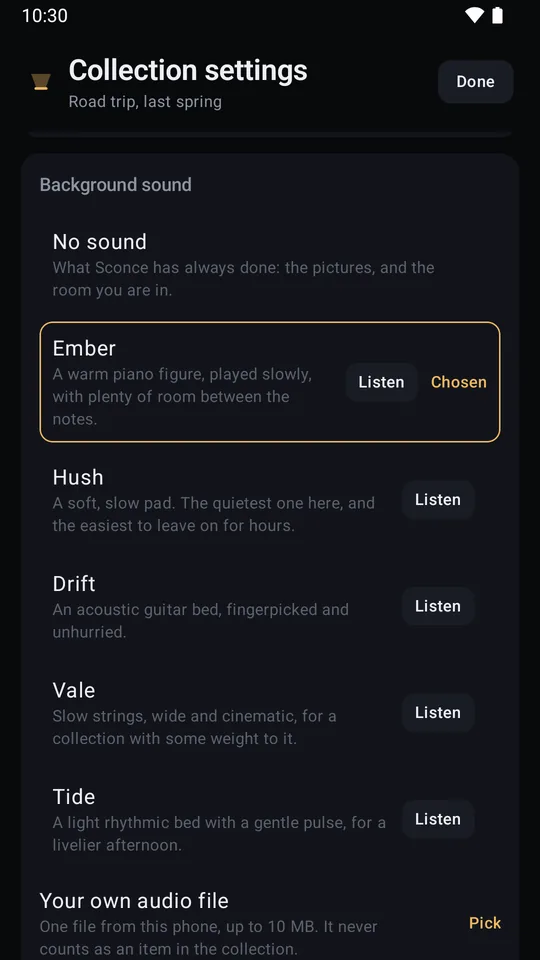
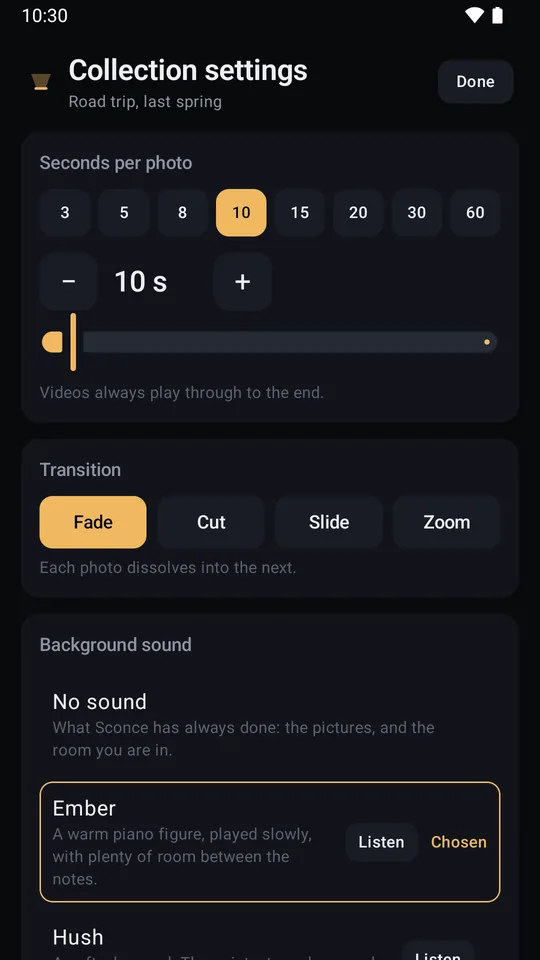
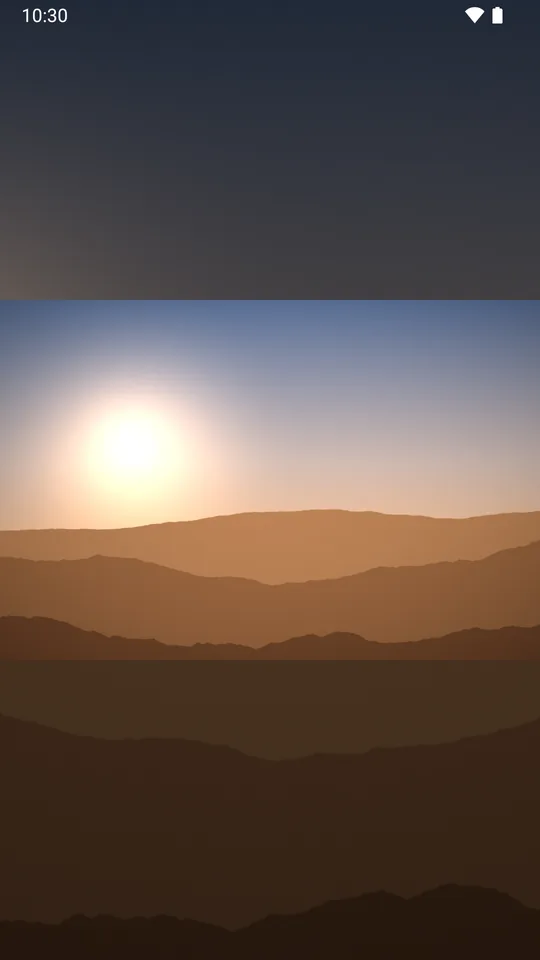
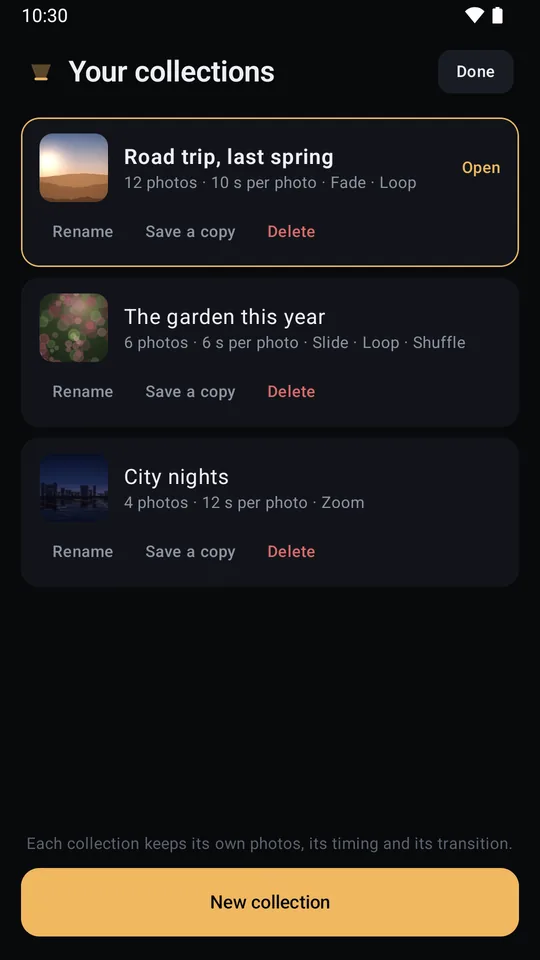
Captured from the release build. The photographs on these screens are demo pictures we made ourselves, because your photos are yours.
The film
The presenter is AI-generated. Everything else is the real app: live phone captures, and Sconce's own TV screen playing a collection. Watch on YouTube
Quiet by design
Your photos and videos go from this phone to your TV over your own Wi-Fi. We never upload them.
Casting needs the internet: your TV loads Sconce's TV screen from sconce.zone7studios.com, and casting uses Google's Cast framework, which is covered by Google's privacy policy.
Sconce also uses the network for the store's billing for the one-time purchase. Read the privacy page
Not settings you have to find and switch off. Not in the app at all.
Sconce casts to Chromecast and Google TV. No AirPlay mirroring, and no screen mirroring of any kind: your notifications and messages never appear on the television. Your phone and your TV have to be on the same Wi-Fi and able to reach each other, and a VPN on the phone stands in the way of that: Sconce checks for one and says so on the phone.
Free, and Pro
A single purchase through the store you installed the app from, and it stays bought. Nothing renews, and there is nothing to cancel.
Sconce is on Google Play for Android, and on TestFlight for iPhone.
Nothing to sign up for here: no mailing list and no newsletter. What changed in each version